Read for you
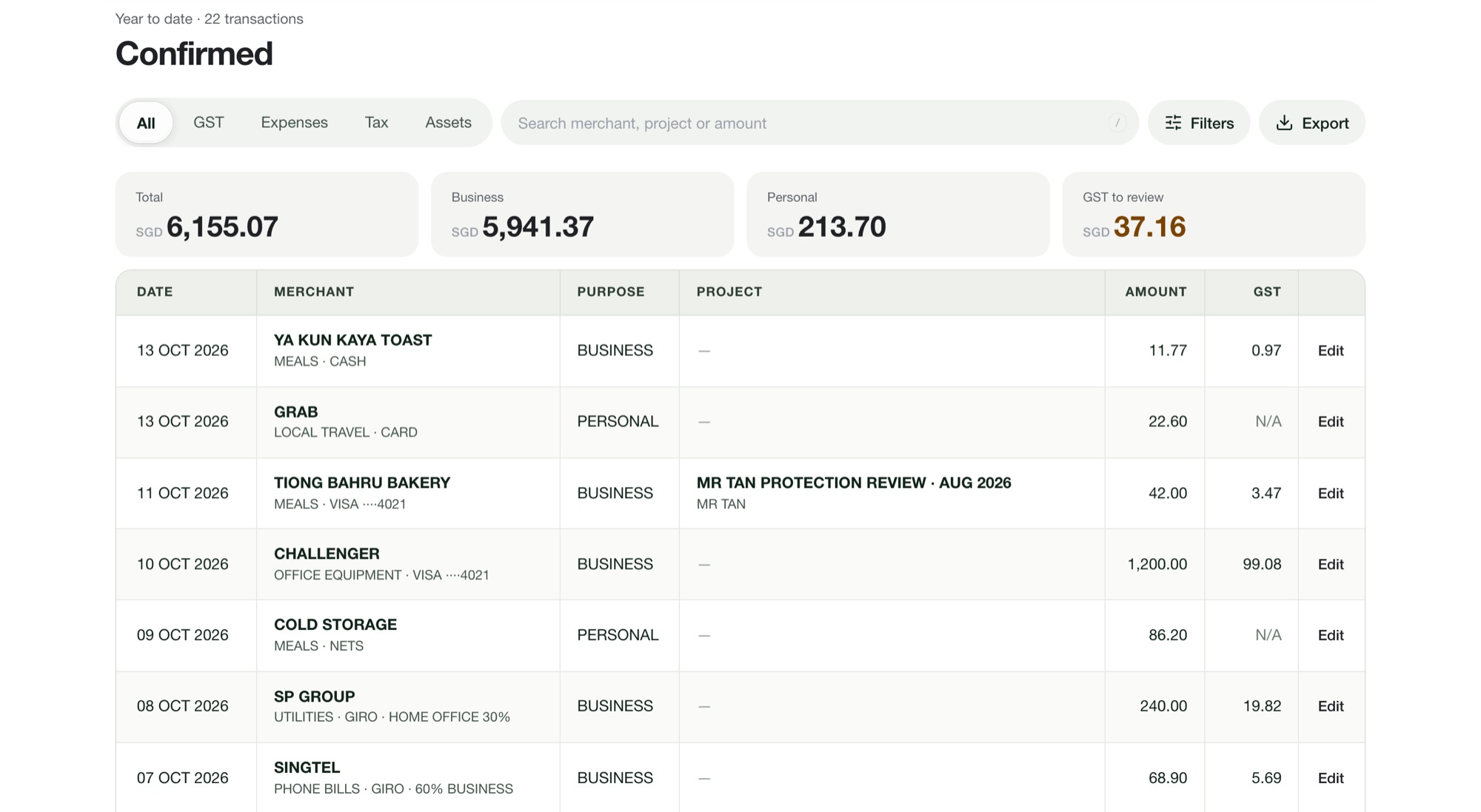
Merchant, date, amount, GST and currency are read from each receipt. You check and confirm; no typing.
 Tallycent
Receipts
Photograph receipts or upload up to 100 photos, HEIC files and PDFs at once. Tallycent reads the merchant, date, amount, GST and currency of each one.
Merchant, date, amount, GST and currency are read from each receipt. You check and confirm; no typing.
Phone bills and home-office utilities can be split by the business share you set.
Receipts in other currencies are converted at the day’s rate. Enter the card amount if your bank charged a different figure.
A second receipt with the same merchant, date and amount is flagged before it can be confirmed twice.
Snap or upload receipts, up to 100 at a time
Check what was read and pick business or personal
Answer the questions IRAS expects for that category
Confirm; your statements update
Photos (including iPhone HEIC) and PDFs, up to 100 at a time.
No. Tallycent runs in the browser. Add it to your home screen and it opens like an app.
Anything that could not be read is listed for you to fill in. The photo is kept with the record.